How to Run Surveys Where Respondents Actually Trust You
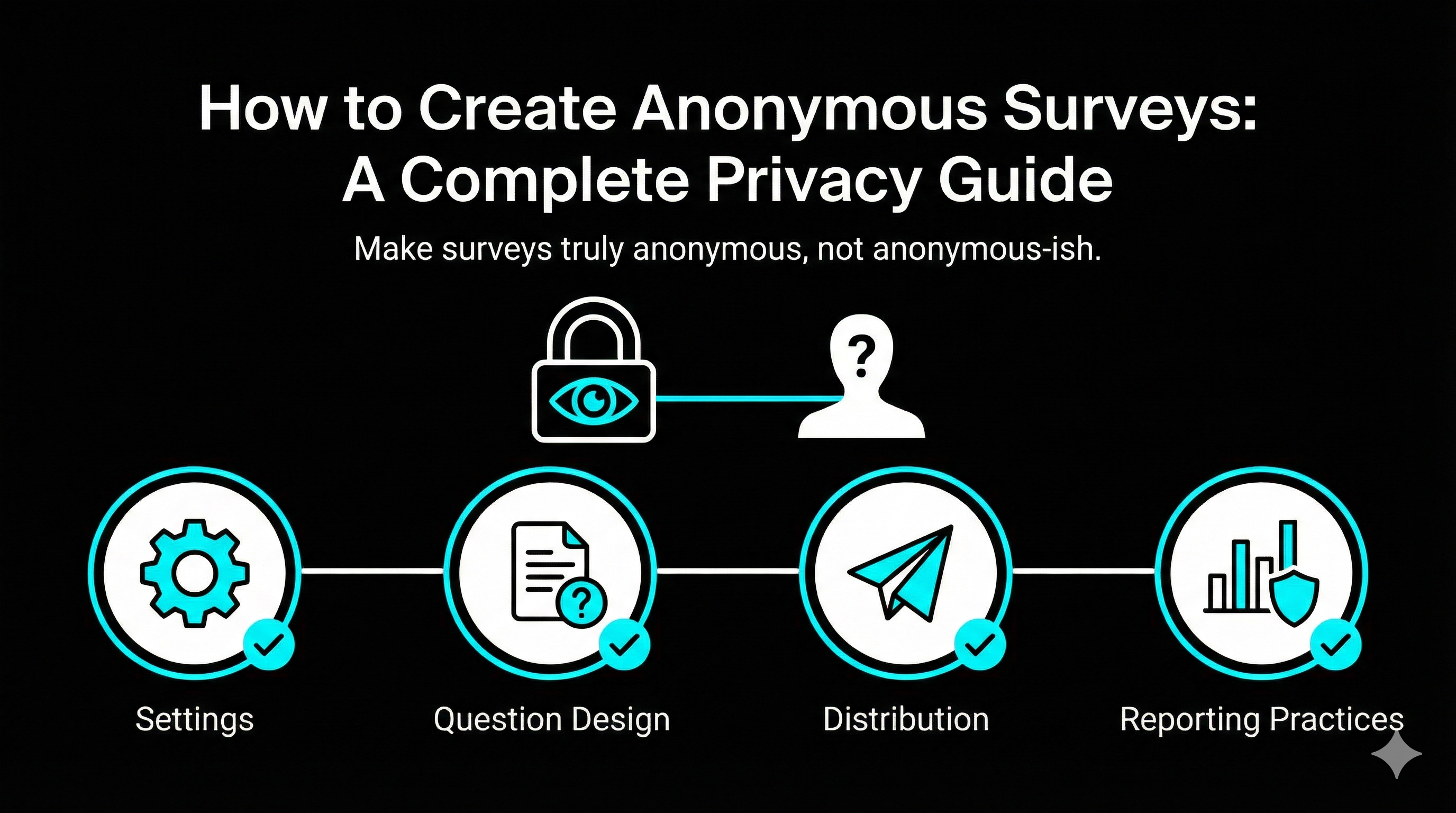
Anonymous surveys are how you get the truth without forcing people to choose between honesty and self-preservation. If respondents suspect they can be identified, they will either soften their feedback or skip the survey entirely.
This guide shows you how to run surveys that are actually anonymous, not “anonymous-ish.”
What “anonymous” really means
A survey is anonymous when you cannot reasonably connect a response back to a person.
That means you are not collecting:
- Names or emails
- Login identity (single sign-on can quietly attach identity)
- IP addresses or device identifiers (depending on your tooling)
- Free-text fields that encourage people to identify themselves (“Tell us your role and team”)
You can still collect useful context, but you need to design for it.
Step 1: Turn off identity collection in your tool
Most survey tools can be anonymous, but some defaults work against you.
Check these settings:
- Email collection: disabled
- Require sign-in: disabled
- Limit to one response: only if it does not require authentication
- “Track respondents” features: disabled
If your tool is connected to your workspace and automatically labels responses with user identity, you must change the share setting to “anyone with the link” or use a tool mode designed for anonymous collection.
Step 2: Avoid accidental identification in your questions
The fastest way to break anonymity is to ask people to describe themselves too precisely.
Instead of:
- “Which team are you on?”
- “What is your job title?”
- “Which office do you work from?”
Use safer buckets:
- “Which area best describes your work?” (Marketing, Sales, Product, Support)
- “How long have you been here?” (0 to 6 months, 6 to 18 months, 18 months plus)
- “Which region?” (Americas, EMEA, APAC)
Also be careful with small groups. If only three people fit a category, you have not protected identity, even if you did not collect names.
Step 3: Communicate anonymity like you mean it
People respond to what they believe, not what your privacy policy says.
In the first screen of the survey, include:
- A plain statement: “This survey is anonymous.”
- What you do not collect: “We do not collect names, emails, or identifiers.”
- How results will be used: “We will report results in aggregate.”
Keep it short. The goal is trust, not a lecture.
Step 4: Distribution methods that keep trust intact
Your delivery method changes how anonymous the survey feels.
Safer options:
- A public link shared in a channel (Slack, Teams, intranet)
- A group email with one generic link
- A QR code for in-person collection
Avoid:
- Unique links tied to recipients
- “We will follow up with non-responders” language (it signals tracking)
If you need reminders, send them to the whole group. Yes, it annoys the people who already responded. That is the price of true anonymity.
Step 5: Data handling rules so anonymity survives analysis
Even if collection is anonymous, analysis can expose people if you are careless.
Rules:
- Do not review results until you have a minimum number of responses (pick a threshold like 10 or 20)
- Do not slice results into tiny subgroups
- When sharing quotes, remove identifying details
If you export results, watch for metadata like timestamps and response IDs. Those can be used to infer identity if someone knows who responded when.
Tooling checklist for anonymous surveys
When evaluating a survey tool for anonymity, look for:
- A clear anonymous mode
- Ability to disable IP storage and respondent tracking
- Strong access controls for who can view raw responses
- Straightforward language you can show respondents
If you want a simple way to run anonymous surveys without wrestling with identity defaults, use a tool built for it. For example, https://tofusurveys.com is designed to avoid collecting personal identifiers unless you explicitly ask for them, which makes it easier to keep your promise of anonymity.
Common anonymous survey use cases (and tips)
Employee feedback
- Keep demographic questions broad
- Report only aggregated results
- Close the loop with a summary of actions taken
Sensitive customer feedback
- Do not ask for contact details in the same survey
- If you need follow-up, offer an optional separate form that is not linked to responses
Website or product feedback
- Keep it short, and let people respond without creating an account
- Use one strong open-ended question, not five
A simple anonymous survey intro you can copy
“Thanks for taking a minute. This survey is anonymous. We do not collect names, emails, or identifiers. We will review results in aggregate and use them to improve the experience.”
Bottom line
Anonymous surveys work because they remove fear. If you protect identity in your settings, your questions, your distribution, and your reporting, you will get cleaner feedback and more of it.
If you are serious about honesty, treat anonymity as a design requirement, not a checkbox.